Sopan Infotech – The Most Trusted Reseller of CAD/CAM/CAE Solutions with End-to-End Support

SOPAN Infotech
SOPAN Infotech

SOLIDWORKS Electricals

Electrify your design process with the products in the SOLIDWORKS® Electrical portfolio including solutions for schematics, wire harnessing, 3D, and more.

  • Home
  • SOLIDWORKS Electricals
Electricals

Why SOLIDWORKS Electrical?

Your engineers didn’t go to school to fill out spreadsheets and audit documentation. SOLIDWORKS Electrical takes care of these rote tasks, eliminating human error and wasted time to ultimately free up your engineers to focus on why they became engineers—to create innovative, powerful electrical designs.

Top 3 Benefits of SOLIDWORKS Electrical

SOLIDWORKS Electrical Capabilities

SOLIDWORKS Electrical is a robust product suite combining 2D schematic design tools with 3D CAD collaboration plus PCB integration and cloud connectivity, equipping you with the tools you need to tackle the challenges of the modern electrical landscape.

Intelligent Schematics

Streamlined Collaboration

Accurate Design, 3D Visualization

Business Benefit

SOLIDWORKS Electrical Products

SOLIDWORKS Electrical offers a range of products to meet your design needs. With solutions for schematic design, wire harnessing, 3D CAD integration and more, the SOLIDWORKS Electrical portfolio contains all you need for streamlined, integrated electrical design. Discover each of the SOLIDWORKS Electrical products below.

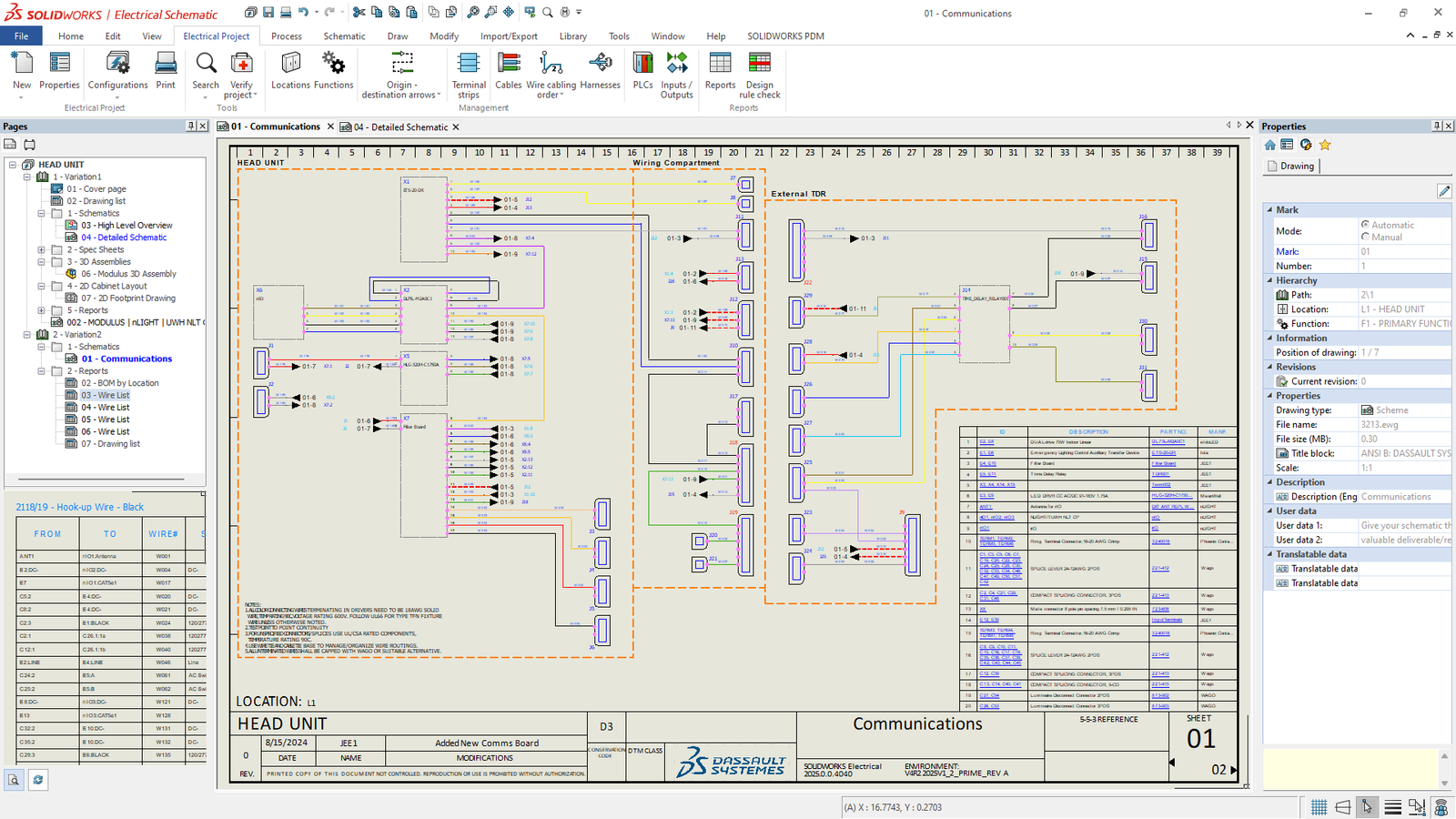
Featured: SOLIDWORKS Electrical Schematic

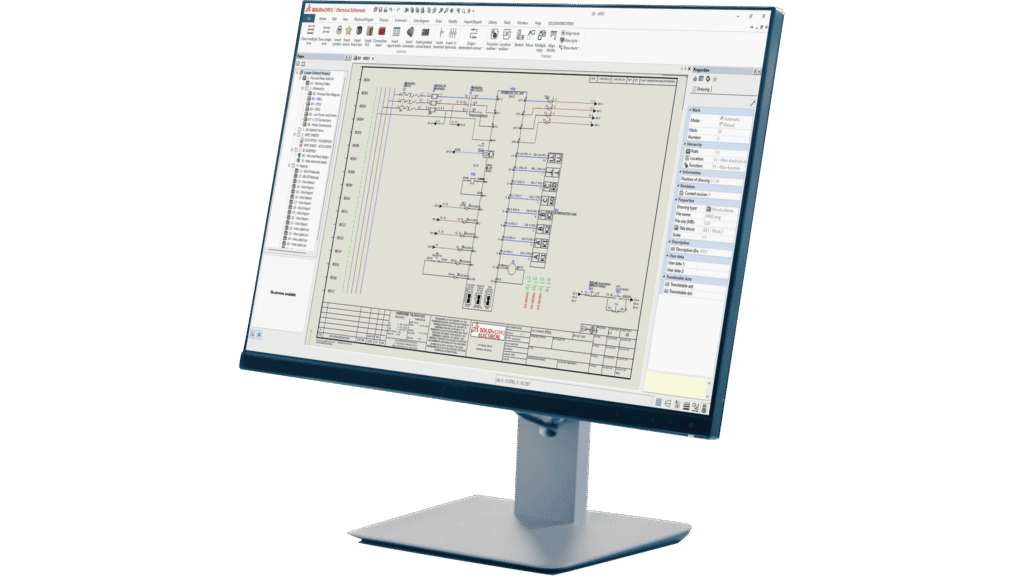
SOLIDWORKS Electrical Schematic is a multipurpose schematic tool giving you access to high powered schematic design capabilities. Whether for use in electrical, hydraulic, pneumatic, or PFD/P&ID applications, SOLIDWORKS Electrical Schematic will streamline your design workflow, helping you generate reports in seconds and automatically update documentation as you design. SOLIDWORKS Electrical Schematic automates rote tasks to create a more efficient workflow and free up engineers to focus on design.

Electrical 3D Electrical Schematic Designer Electrical Professional CircuitWorks for SOLIDWORKS
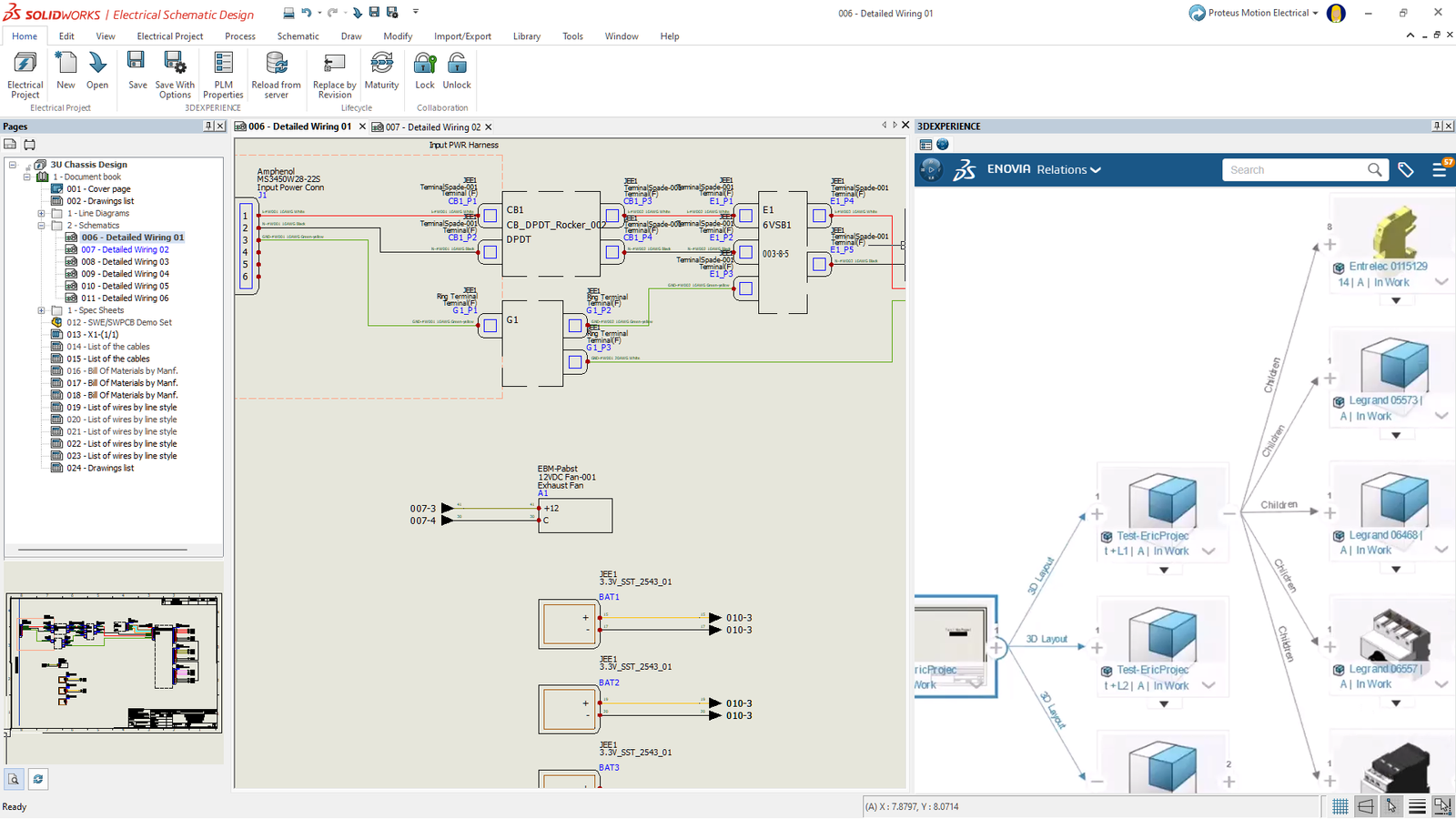
SOLIDWORKS Electrical 3D

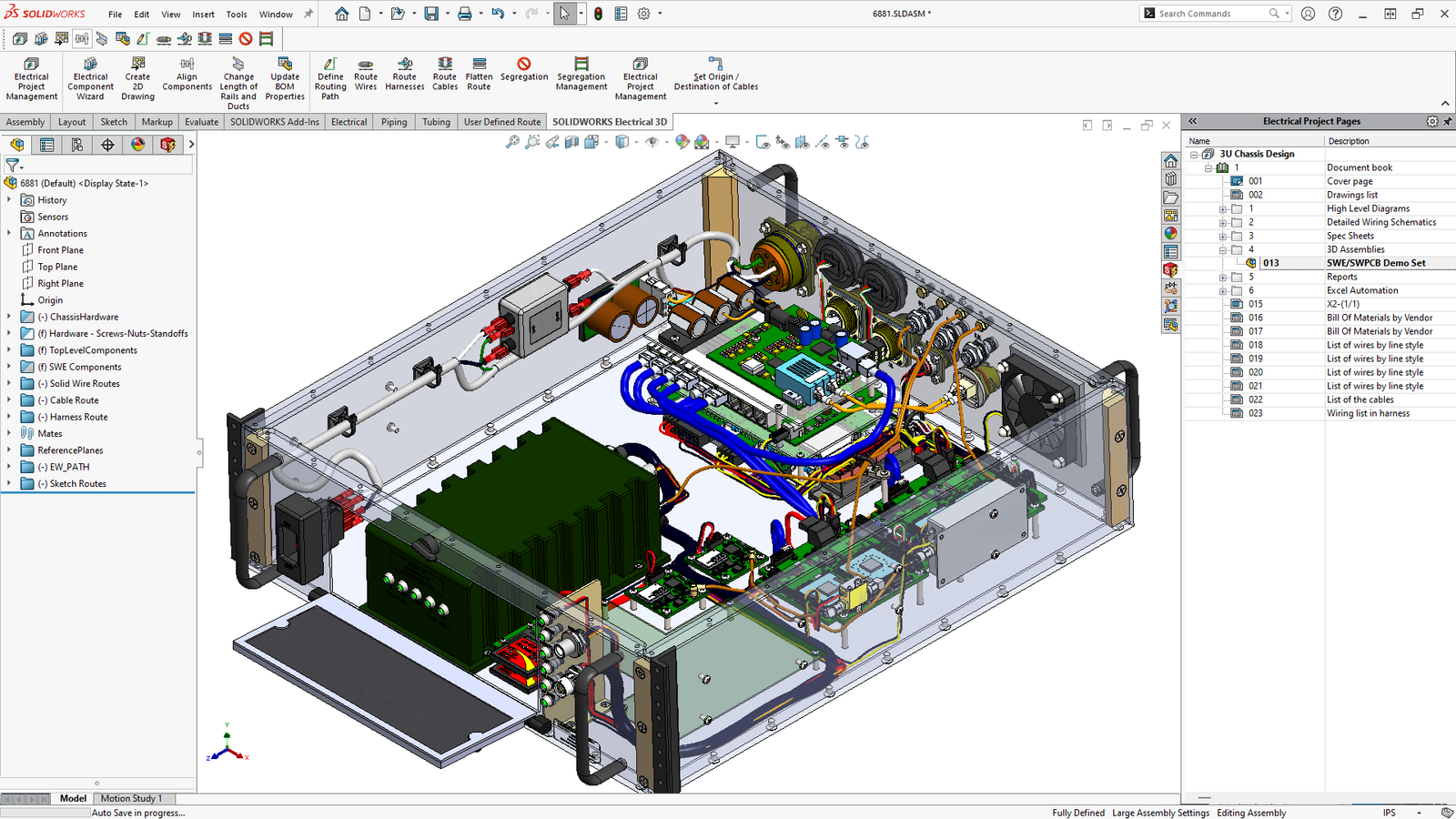
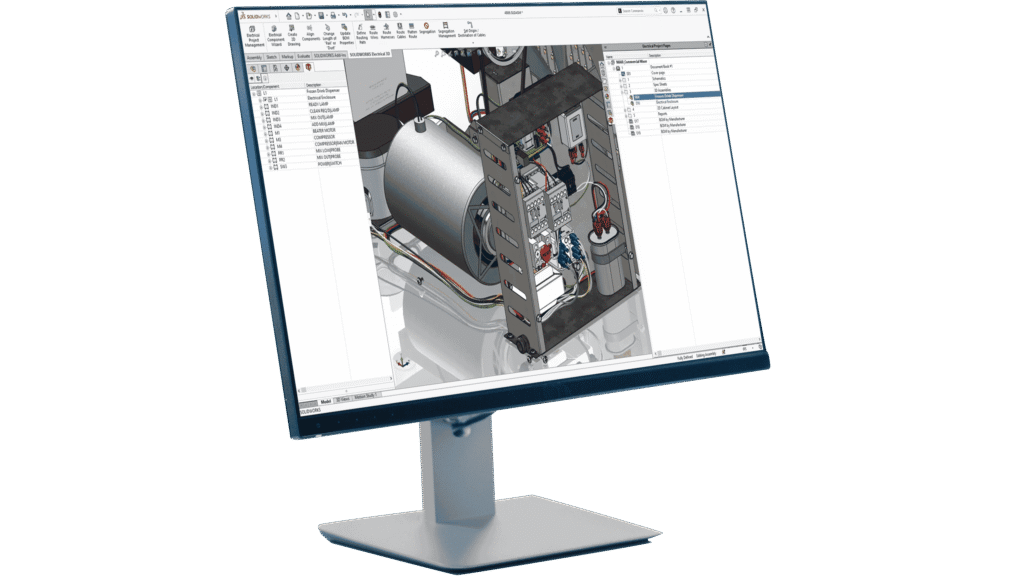
SOLIDWORKS Electrical 3D acts as the glue between your 2D schematics and your 3D product designs. This solution allows you to integrate seamlessly between the 2D and 3D spaces. The ability to bring 2D electrical designs into the 3D mechanical CAD space brings a wealth of benefits including the ability to determine optimal wire, cable, and harness lengths, and automatically synchronize design and documentation between both electrical and mechanical projects.

Electrical Schematic Designer

Electrical Schematic Designer is a cloud-connected version of SOLIDWORKS Electrical Schematic allowing for facilitated collaboration, file sharing, and cloud storage. Electrical Schematic Designer is perfect for those working heavily across teams where agility is key. This cloud-connected offering allows for online storage of design files, providing you and your team more flexibility with how and where you work.

Solidworks Electrical Professional

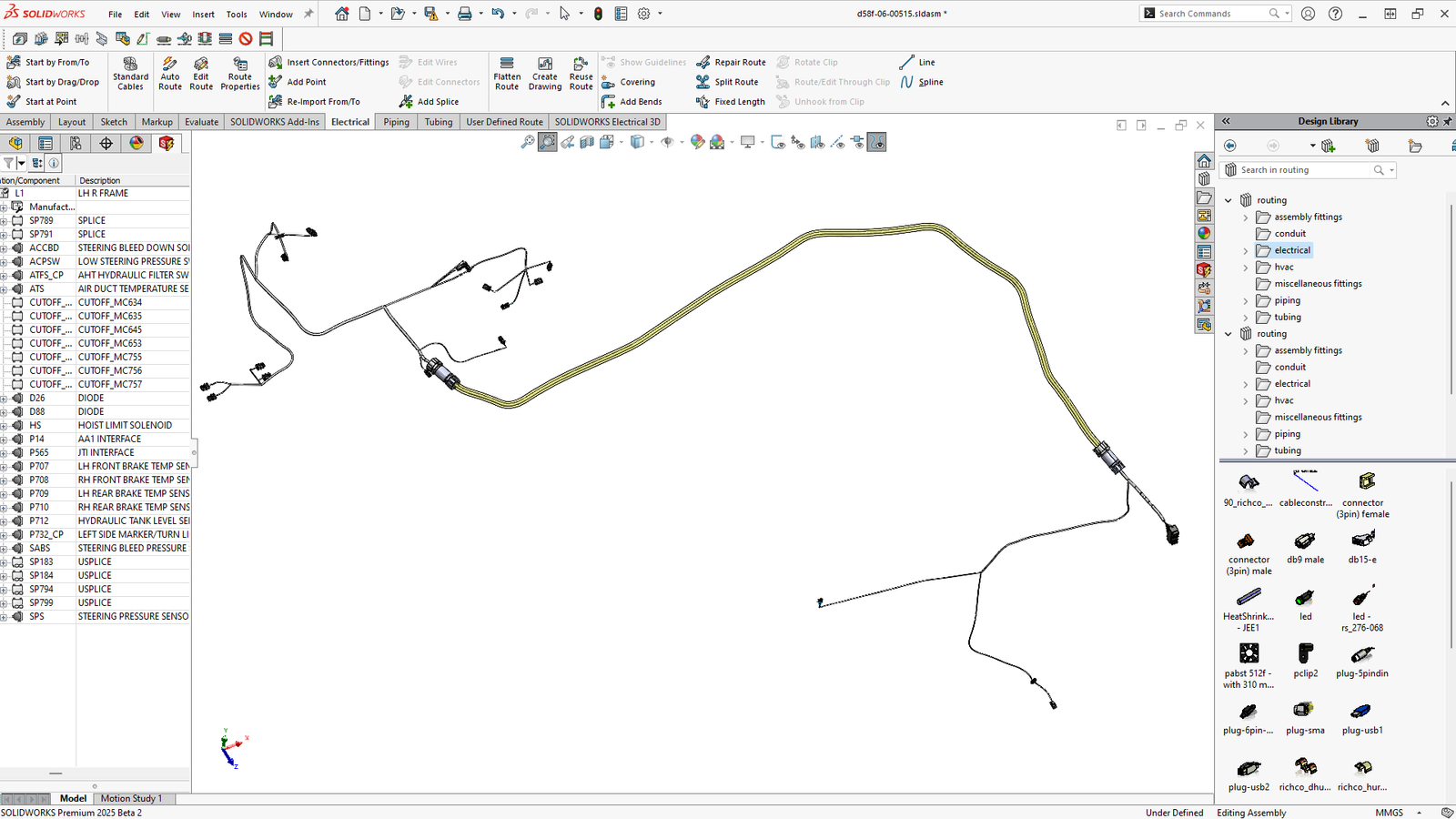
SOLIDWORKS Electrical Professional is a bundled offering of two of our powerful design tools: SOLIDWORKS Electrical Schematic Professional and SOLIDWORKS Electrical 3D. We recognize that embedded electrical systems planning requires synchronized work, often requiring an individual to wear many hats. With SOLIDWORKS Electrical Professional, you have access to a unified toolset providing single-line and multi-line schematic tools coupled with powerful 3D visualizations to offer you an end-to-end product design experience all in one neat package.

CircuitWorks for SOLIDWORKS

CircuitWorks is an add-in available in SOLIDWORKS CAD software. CircuitWorks brings PCB design into the SOLIDWORKS ecosystem, allowing for further integration between ECAD and MCAD teams. A collaboration tool, CircuitWorks enables users to both import PCB layout information directly to their parametric SOLIDWORKS designs, and define assemblies within SOLIDWORKS that can then be sent to the PCB tool of your choice. This bidirectional design means CircuitWorks works the way you do, augmenting your current workflow.

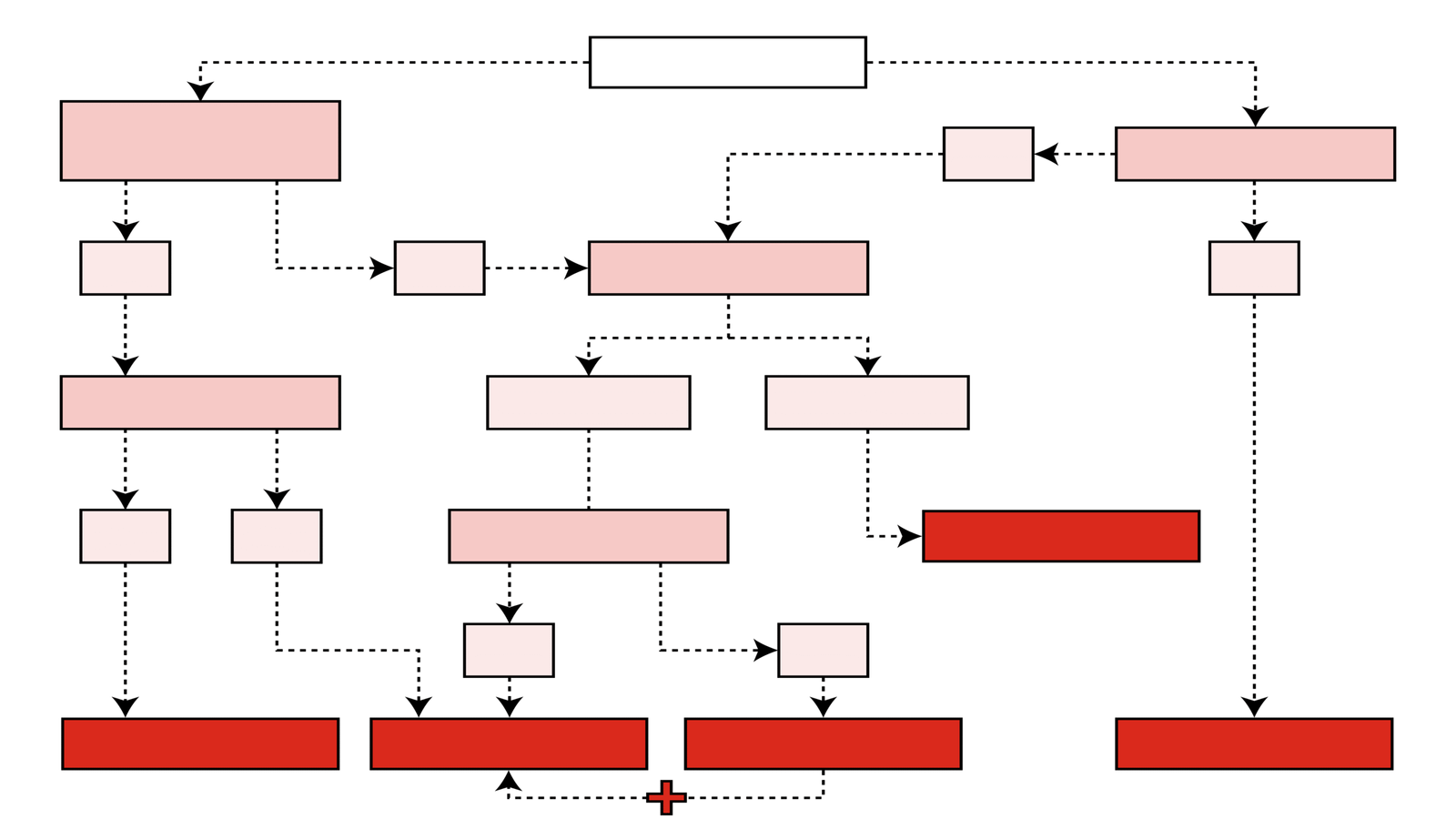
Which SOLIDWORKS Electrical Solution is Right for Me?

Take a look at this product decision chart which helps break down which SOLIDWORKS Electrical offering is best to meet your specific use case.

Customers Succeed with SOLIDWORKS

Innovative designers, engineers, and businesses around the world push the limits of product development and 3D design with SOLIDWORKS 3D CAD. Explore their stories and learn how SOLIDWORKS 3D CAD is the professional solution to bring your ideas from concept to manufacturing to life.

hexagon-blog-2.webp

Top 5 Reasons SOLIDWORKS Is the Best CAD for Mechanical Design

When searching for a CAM (computer-aided manufacturing) software solution to support your manufacturing processes,…
Continue Reading
Two Senior Architectural Engineers Working With Building Blueprint on a Personal Computer. They Actively Discuss Various Plans and Schemes.

10 Common CAD Mistakes and How You Can Avoid Them

In CAD, even small mistakes can have a significant impact, ranging from wasted time…
Continue Reading
what20is202d20cad

What is 2D CAD?

2D CAD, or Two-Dimensional Computer-Aided Design, refers to the use of specialized software to…
Continue Reading
sw_why_choose_solidworks_buy_sopaninfotech_surat

Why Buy SOLIDWORKS from SOPAN INFOTECH?

As an Authorized Reseller and Certified Training Center, SOPAN Infotech Private Limited empowers design…

Continue Reading
Find the Flexible Solution for You
Speak with a SOLIDWORKS expert to discuss your business needs.
Find SOLIDWORKS Support
Get technical support for SOLIDWORKS products and explore ways to grow your skills.
Buy SOLIDWORKS Solutions
Flexible purchasing options give you the power to choose a license that best suits your needs.

Why Choose SOPAN Infotech for SOLIDWORKS?

As an Authorized Reseller of SOLIDWORKS in Gujarat, SOPAN Infotech Pvt. Ltd. offers more than just software — we deliver complete solutions. Whether you’re a first-time user or scaling up your design team, we ensure you get the right tools, proper implementation, and ongoing support to maximize your investment.

What Sets Us Apart:
Genuine Licensing & Seamless Deployment - Get officially licensed SOLIDWORKS software with smooth, hassle-free installation and setup.
Expert Consultation & Product Guidance - We help you choose the right product mix based on your industry, team size, and technical goals.
Certified Training & Skill Development - Through our training division, SIED, we provide certified courses to help your team use SOLIDWORKS efficiently and professionally.
Dedicated After-Sales Support - Our technical support team is just a call away — ready to resolve queries, assist with upgrades, and keep your systems running smoothly.
Local Presence, Global Standards - Based in Surat, we understand the regional market while delivering solutions that meet international quality standards.
Shaping futures, one decision at a time

Ready to get started with SOLIDWORKS Electricals

 Contact us today and experience the SOPAN Infotech advantage.

x
Sopan Infotech Pvt. Ltd. is a leading name in the field of engineering design and digital manufacturing solutions.
Address Business
2D, 2nd Floor, Dr. Mansukh Lal Tower,
Opp. Dhiraj Sons,
B/s vanita Vishram College,
Athwagate, Surat – 395002,
Gujarat (India)
Contact Us
+91 90817 60607
+91 972 5554395
Email
info@sopaninfotech.com